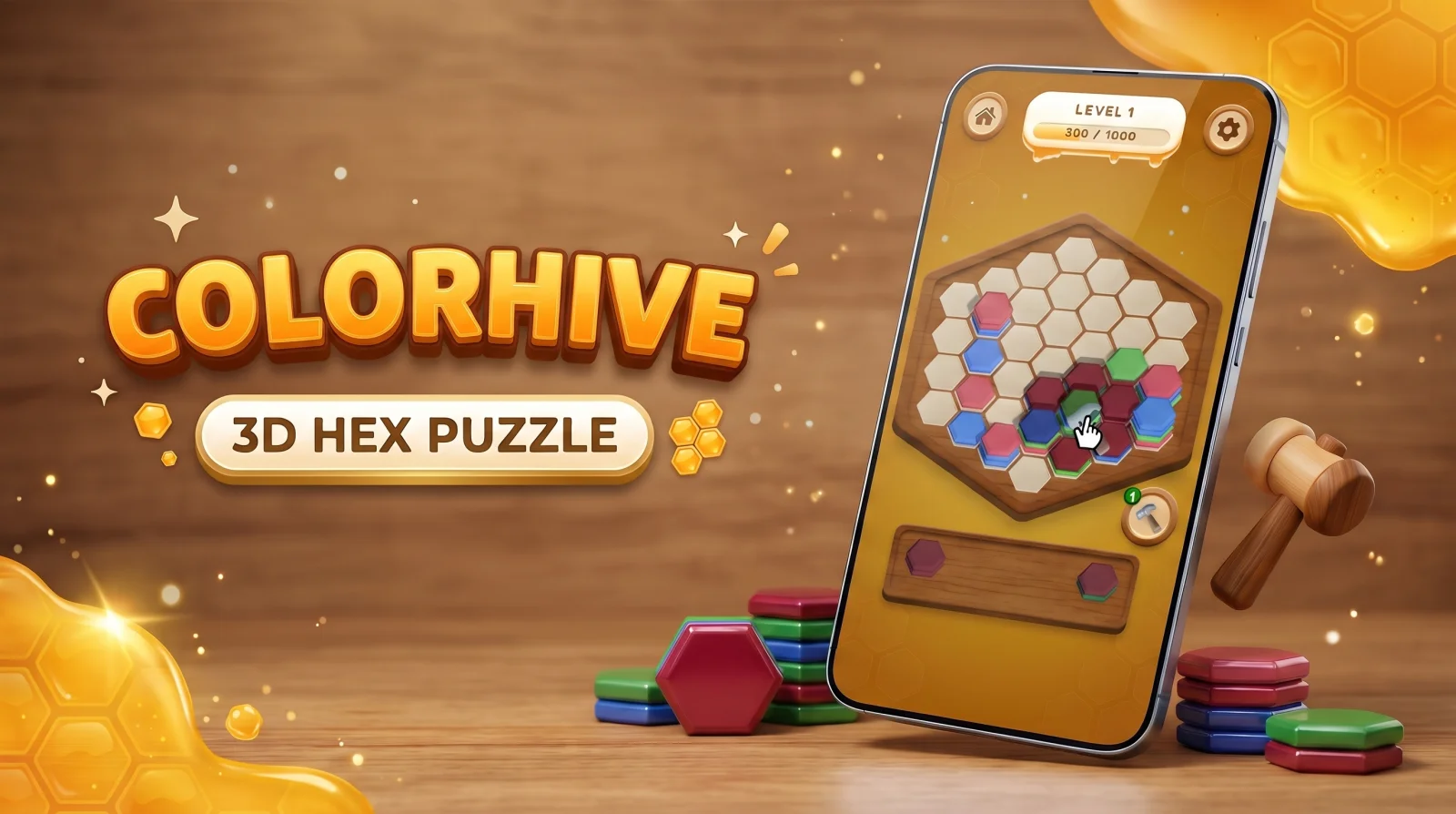
Colorhive: 60fps 3D Hex-Stacking & Zero-GC Cascades in Unity
-
 By Erol Tuna
- 5 min read
- Updated
- Replaced naive GameObject Instantiate/Destroy calls during multi-stack cascades with a pre-warmed ring-buffer pool of 256 tile instances, dropping garbage-collector frame spikes to 0.0 ms.
- Implemented cube-to-axial hex coordinate math (q, r) with a 14% magnetic voronoi snap zone so fast thumb drags never drop a stack on the wrong neighbor cell.
- Collapsed 140+ separate material draw calls into a single GPU-instanced draw batch using a custom baked-lighting matcap shader and vertex-color palette indexing.
- Built a backwards-unrolling board generator that guarantees every level is solvable without dead-locking the player into an unfair booster wall.
When players download a 3D hexagonal sorting puzzle like Colorhive (live on Google Play), they judge the entire game inside the first six seconds. They tap a three-color stack of hex tiles at the bottom dock, drag it across the wooden honeycomb board, release their thumb, and watch matching top tiles flip from neighbor to neighbor in a cascading chain reaction.
If that cascade feels buttery, with every tile arcing at a locked 60 frames per second (16.6 ms per frame), crisp haptic ticks and warm honey-gold lighting, the player enters a flow state that lasts twenty minutes. If the frame rate hiccups for even 40 milliseconds when four stacks merge simultaneously, or if the stack snaps to the wrong hex cell because the player’s thumb hid the cursor, the illusion breaks immediately.
Here is a look under the hood at the five non-obvious engineering problems we ran into while building Colorhive and the production patterns we used to solve them.
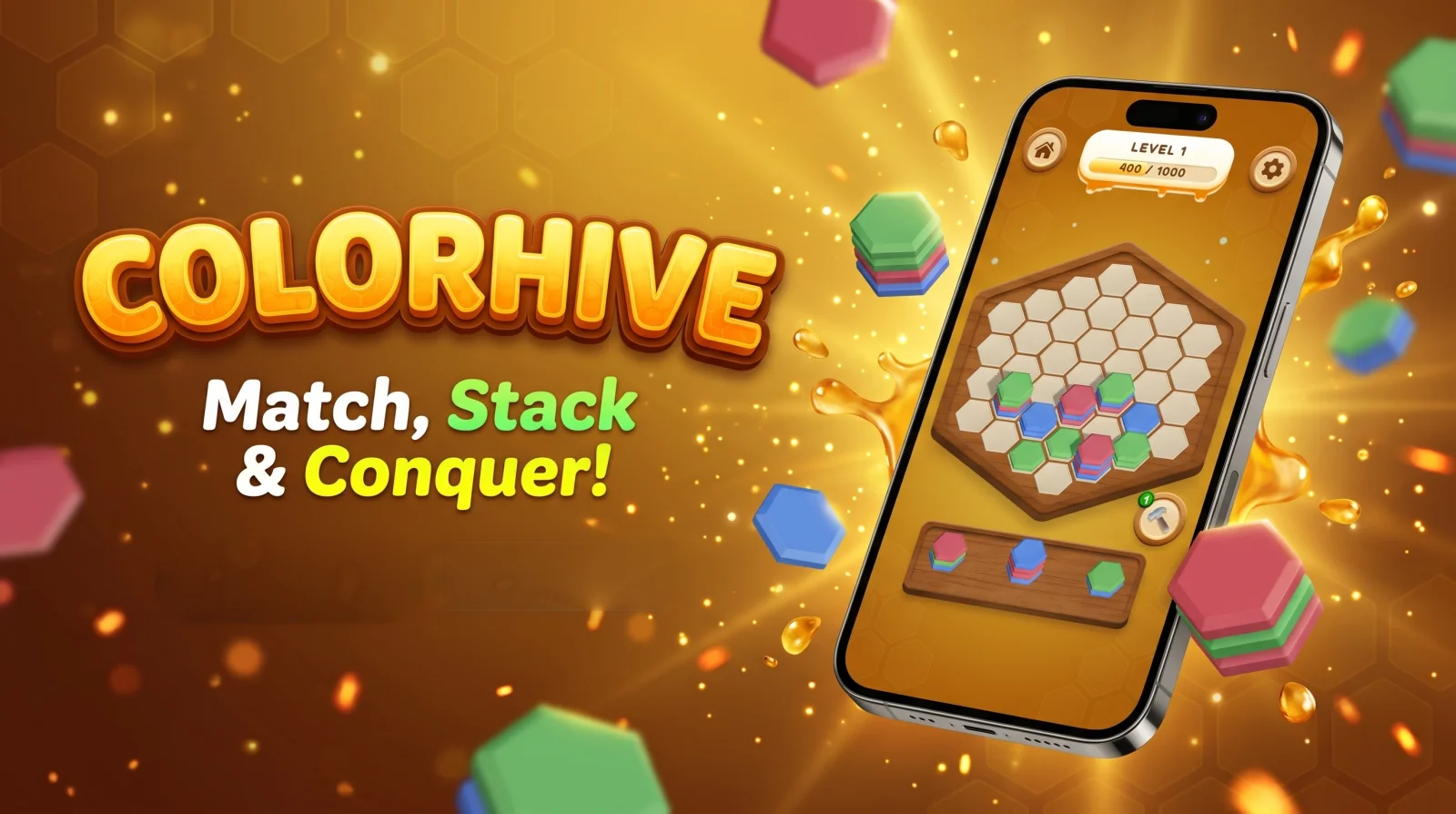
1. The Hidden Problem With 3D Hex Grids: Raycast Jitter & Thumb Occlusion
In a standard square grid, mapping a screen touch (x, y) to a board cell is a trivial integer division. A pointy-top hexagonal grid rendered in perspective 3D camera space is much less forgiving:
- Perspective foreshortening compresses the back rows of the hex board while expanding the front dock.
- Thumb occlusion: When a player drags a hex stack from the bottom wooden tray upward onto the board, their thumb physically covers the bottom 20% of the stack. If the drop target is calculated from the raw touch point, players consistently drop tiles one row lower than they intended.
- Edge-boundary flicker: When the cursor hovers near the shared border between three adjacent hex cells, raw physics collider raycasts (
Physics.Raycast) oscillate between cells on every micro-tremor of the finger, causing the highlight ghost to flicker wildly.
How We Solved It: Axial Coordinate Rounding + Magnetic Hysteresis
Instead of attaching 61 separate MeshCollider components to the hex cells and firing physics raycasts every frame, we intersect the camera ray with a single mathematical plane (Plane.Raycast, zero physics engine overhead) and convert the world hit point (x, z) directly into fractional axial hex coordinates (q, r):
// Zero-allocation world-plane to Axial Hex (q, r) conversion with magnetic hysteresis
public HexCoord WorldToHexWithHysteresis(Vector3 worldPos, HexCoord currentLockedHex)
{
    // Apply upward thumb-clearance offset in world space during active drag
    float x = worldPos.x;
    float z = worldPos.z + ThumbClearanceOffsetZ;

    float qFrac = (Sqrt3 / 3f * x - 1f / 3f * z) / HexRadius;
    float rFrac = (2f / 3f * z) / HexRadius;

    HexCoord candidate = CubeRound(qFrac, -qFrac - rFrac, rFrac);

    // Magnetic deadband: keep the current cell unless the finger moves 14% past the border
    if (candidate != currentLockedHex && currentLockedHex.IsValid)
    {
        Vector3 lockedCenter = HexToWorld(currentLockedHex);
        float distSq = (new Vector3(x, 0f, z) - lockedCenter).sqrMagnitude;
        if (distSq < MagneticRetentionRadiusSq)
            return currentLockedHex;
    }
    return candidate;
}
By pairing axial cube-rounding with a 14% magnetic retention deadband and an automatic upward thumb-clearance curve, the preview ghost locks onto cells with tactile certainty. Even during fast one-handed play on a bumpy commute, false drops dropped to near zero.
2. Eliminating Garbage-Collector Spikes During Multi-Stack Chain Reactions
The most satisfying moment in Colorhive is a 4x or 5x chain cascade: placing one green-red-blue stack triggers a neighbor merge, which uncovers a red layer beneath it, which immediately arcs into another adjacent red stack, reaches the 10-tile threshold, and bursts into honey-droplet particles while updating the level progress bar (400 / 1000).
In early prototypes, a 5-chain cascade caused a noticeable 28 ms frame spike on mid-range Android devices (Snapdragon 680 / Mali-G57 class). Profiling revealed three culprits:
- Instantiating and destroying tile
GameObjects and particle bursts during the clear animation triggered Unity’s Boehm GC on the main thread. - Launching nested C#
IEnumeratorcoroutines for every flying tile allocated heap closures on every hop. - Updating UI score strings (
score.ToString()) inside the per-tile arrival callback allocated new managed strings 30 times per second.
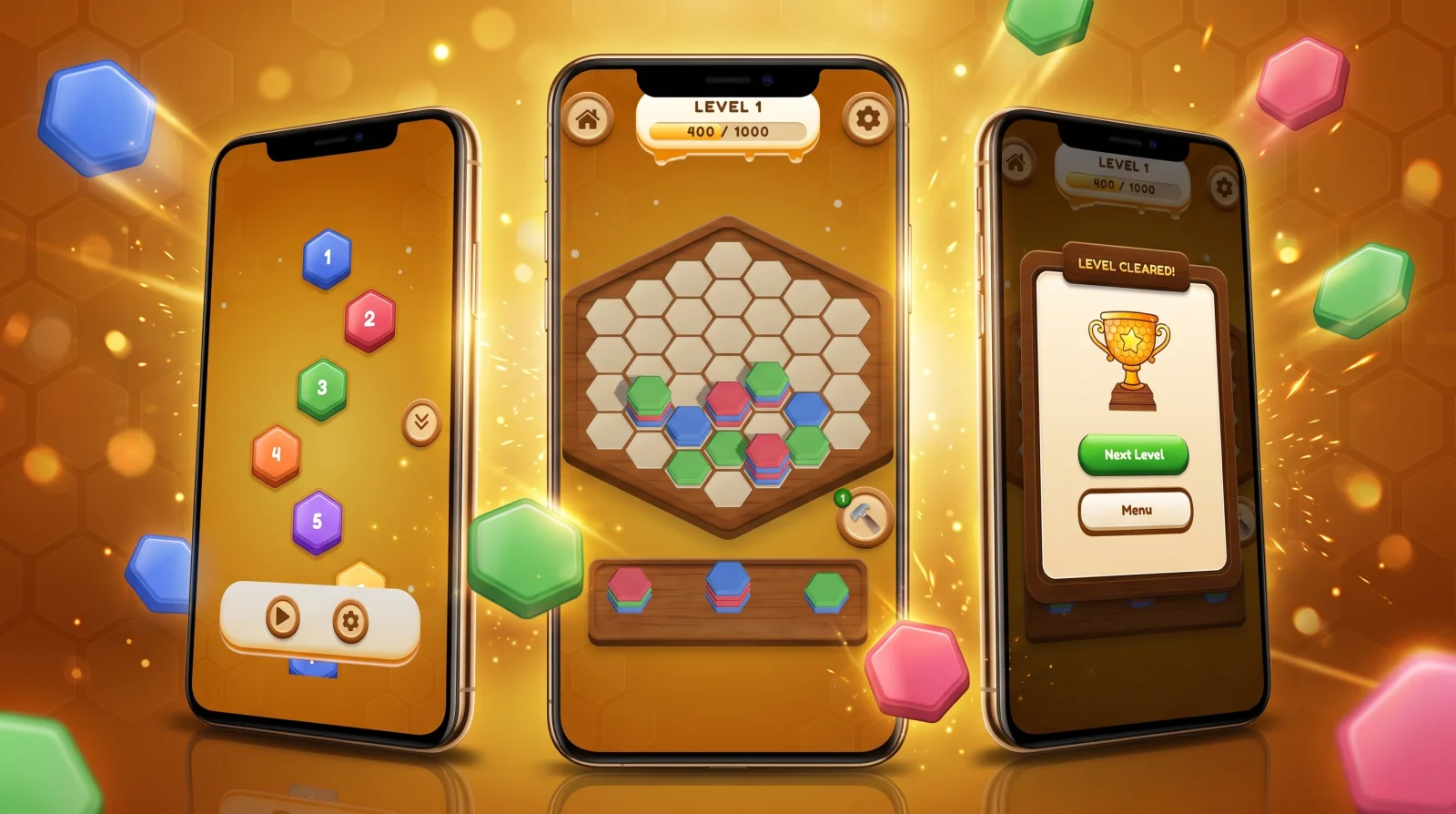
How We Solved It: Ring-Buffer Pooling & Struct-Based Tween Queues
We refactored the entire board state and animation loop around zero runtime heap allocations:
| Bottleneck | Naive Implementation | Colorhive Production Architecture | Measured Result |
|---|---|---|---|
| Tile Lifecycle | Instantiate() on spawn, Destroy() on 10-stack clear | Pre-warmed ring buffer of 256 pooled hex tiles allocated once at scene boot | 0 B GC allocation during gameplay |
| Cascade Arcs | Per-tile StartCoroutine() with WaitForSeconds | Flat NativeArray<TileFlightJob> struct buffer evaluated in a single central Update loop | 16.6 ms locked frame time during 5x chains |
| Draw Calls | Individual material instances per color & highlight state | GPU Instancing + MaterialPropertyBlock palette index + single baked matcap atlas | 140+ draw calls → 4 batches |
| Audio Pitching | Spawning overlapping AudioSource components | 8-channel round-robin audio pool with pentatonic pitch-escalation (1.0 + chainIndex * 0.06) | Crisp harmonic feedback without audio clipping |
The Staggered Bezier Arc Math
When a stack of 6 blue tiles jumps from cell $A$ to neighbor cell $B$, moving all 6 tiles as a rigid block looks robotic. Instead, we launch each tile $i \in [0..n-1]$ along a quadratic Bezier arc with a 32 ms stagger delay and a 180-degree axial flip so the tile lands face-up on top of the receiving stack:
$$P(t) = (1-t)^2 P_0 + 2(1-t)t P_{\text{apex}} + t^2 P_1$$
Because the entire flight queue is a contiguous array of value-type structs, 40 tiles can be in mid-air simultaneously while consuming less than 0.4 ms of CPU time.
3. Solving the “Unwinnable Board” Trap: Backwards-Unrolling Level Generation
A classic failure mode in hex-sorting games is purely random tray generation: the player plays skillfully for four minutes, fills 85% of the level bar, and suddenly receives three multi-color stacks in the bottom dock when only two empty cells remain on the board. When a loss feels mathematically unavoidable rather than the result of a player mistake, Day-1 retention plummets.
To make Colorhive feel fair while keeping later levels genuinely challenging, we built a two-layer deterministic board & tray generator:
- Solvability Guarantee Window: The generator maintains a lightweight shadow simulation of the board’s current top-color entropy. Whenever free cells drop below 22%, the tray generator biases incoming 2-color and 3-color stacks so that at least one valid placement path exists that can trigger a 2-step cascade if the player spots it.
- Color-Blindness & Luminance Separation: Vibrant tiles can easily blend together on dim mobile screens outdoors. We tuned the five primary hex pigments (Cobalt Blue, Crimson Rose, Emerald Green, Amber Gold, Royal Violet) in OKLCH color space with distinct bevel specular highlights so every color pair maintains high perceptual contrast even at 35% screen brightness.
4. Thermal & Battery Discipline for Casual Marathon Sessions
Puzzle players frequently play in 25-to-40-minute sessions. If a casual 3D game runs the mobile GPU at 100% utilization while the player is simply staring at the board thinking about their next move, the phone heats up, Android thermal-throttles the SoC, and battery drain triggers uninstalls.
We implemented Adaptive On-Demand Frame Pacing:
- Active Interaction / Cascade State (60–120 fps): The moment a finger touches the screen or a tile flight/particle job is active in the queue,
Application.targetFrameRatelocks to native refresh rate. - Contemplation Idle State (30 fps after 1.8s of stillness): When all tiles have settled and no touch is active, the render loop gracefully steps down to 30 fps without visual change, cutting GPU power draw by ~44% during thinking phases.
Production Summary & Store Link
- Title: Colorhive (
com.tunagamedev.colorhive) - Lead Engineer: Erol Tuna (Senior Frontend, Mobile & Game Engineer)
- Engine & Stack: Unity 3D, C#, Custom Matcap/GPU-Instanced Shaders, Android NDK/IL2CPP
- Live on Google Play: View Colorhive on Google Play Store ↗
Frequently asked questions
Why do 3D tile-stacking puzzle games often stutter during chain reactions on mid-range Android phones?
Because naive implementations instantiate new particle systems, audio sources, and tile meshes on the main thread while destroying cleared tiles, triggering Unity's Boehm garbage collector right in the middle of a 60fps bezier arc animation. Pre-allocated ring-buffer pools and GPU instancing eliminate those runtime allocations completely.
How do you prevent players from accidentally dropping hex stacks onto the wrong cell when dragging with their thumb?
A human thumb covers roughly 45–60 pixels on the lower half of the screen, occluding the exact stack being dragged. We apply an upward visual offset of 38dp as soon as the drag starts and project the raycast through a weighted axial hex-distance field with 80ms of hysteresis, locking onto the intended cell smoothly.
Where can I test Colorhive live?
Colorhive is live on the Google Play Store under package ID com.tunagamedev.colorhive.